> For the complete documentation index, see [llms.txt](https://docs.theshoppad.com/bouncer/llms.txt). Markdown versions of documentation pages are available by appending `.md` to page URLs; this page is available as [Markdown](https://docs.theshoppad.com/bouncer/customize-bouncer/control-where-bouncer-is-shown.md).
# Control where Bouncer is shown
Choose where Bouncer shows its age check: turn the popup off, limit it to the cart page, or show it on selected product or collection pages.
By default, Bouncer displays the age verification pop-up on every page until the visitor has verified their age. Here are some steps you can take to control how and where the Bouncer pop-up displays.
* [Disable pop-up on your store](https://docs.theshoppad.com/bouncer/customize-bouncer/control-where-bouncer-is-shown/#ps1)
* [Make pop-up display on cart page only](https://docs.theshoppad.com/bouncer/customize-bouncer/control-where-bouncer-is-shown/#ps2)
* [Make pop-up display on specific product or collection pages](https://docs.theshoppad.com/bouncer/customize-bouncer/control-where-bouncer-is-shown/#ps3)
### Disable pop-up from displaying on your store
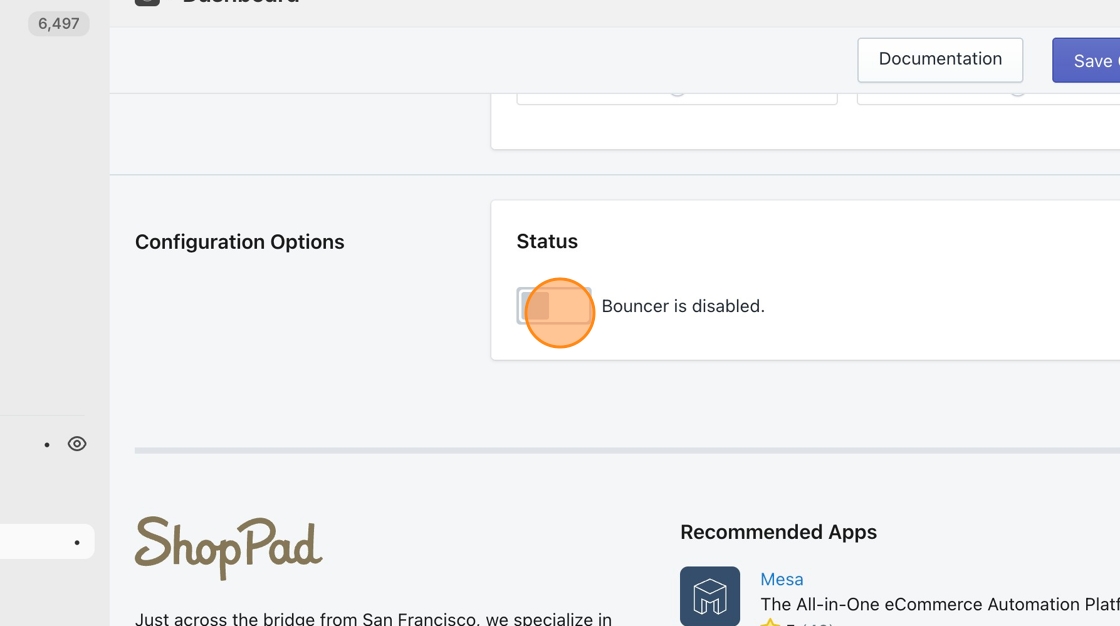
If you simply want to disable Bouncer from displaying at all on your Shopify store, there is a button you can toggle off at the bottom of the Bouncer dashboard.
### Make pop-up display on Cart page only
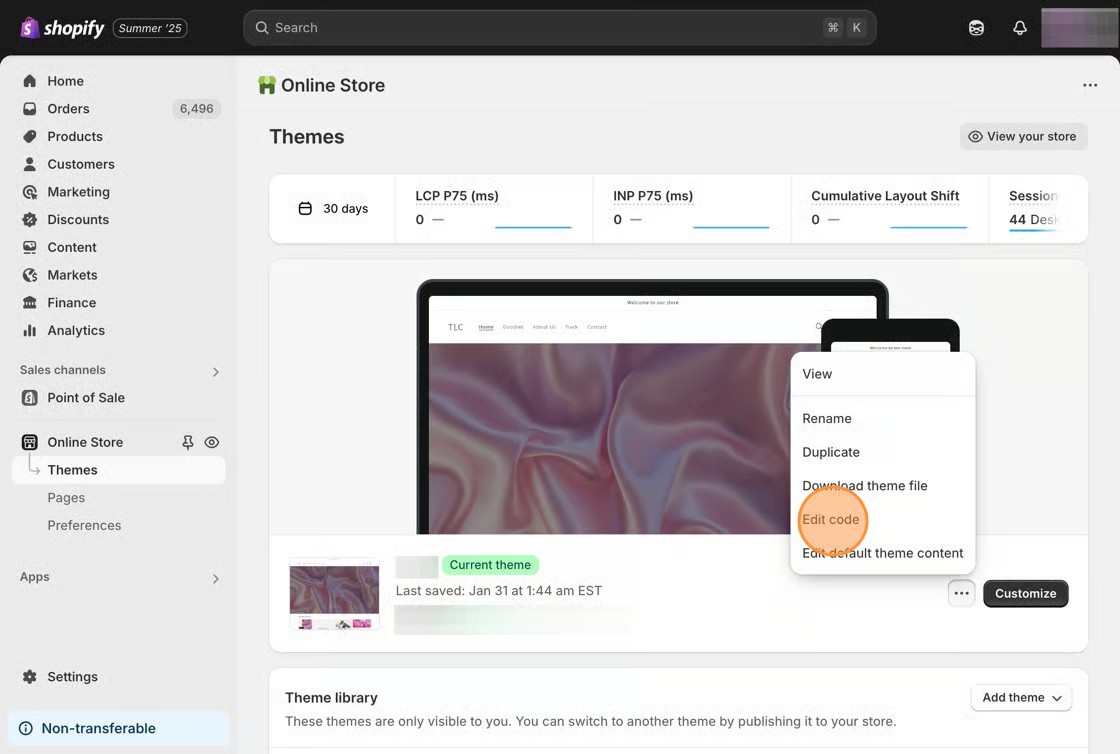
1\. Starting from your Shopify admin dashboard, click on **Online Store**, then click on **Themes.**
2\. Find the theme you want to edit, click the **Actions** button, then click **Edit code.**
3\. Add the following snippet to your **theme.liquid** file. Adding it right above the line that says **\** works well.
```html
```
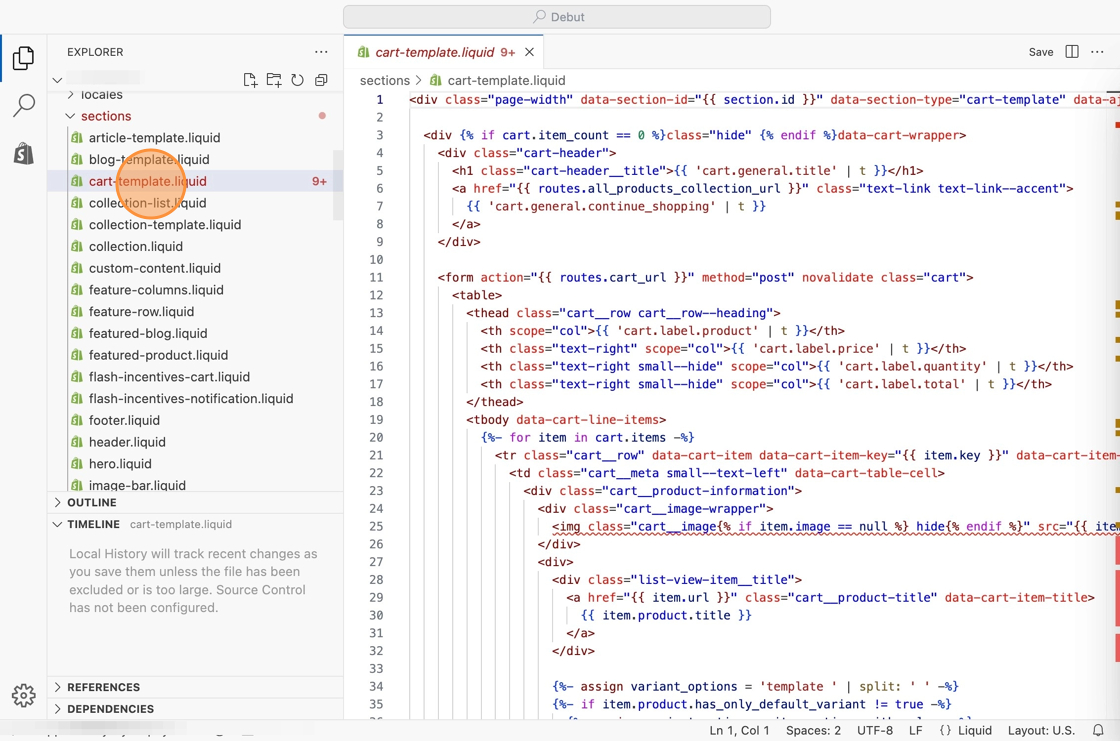
4\. Navigate to your theme's **cart-template.liquid** file or **cart.liquid** file.
5\. Paste the follow snippet at the top of this file and then save your changes.
```
```
### Make pop-up display on specific product/collection pages
1\. Add the following snippet to your **theme.liquid** file. Adding it right above the line that says **\** works well.
```html
```
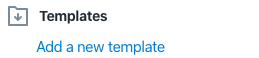
2\. Click on the **Add a new template** link on the left.
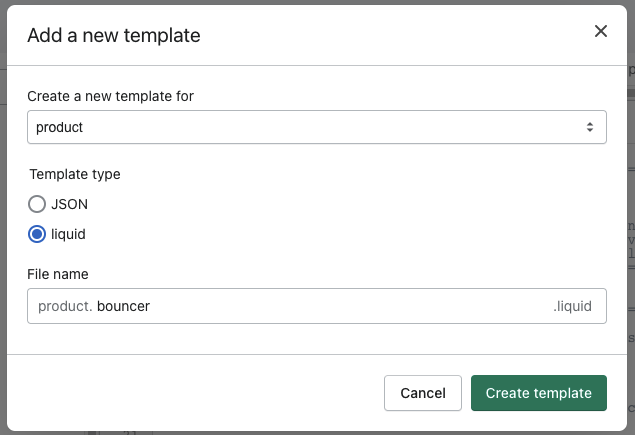
3\. From the **Create a new template** drop-down menu, select **product** or **collection**. Select **liquid** for the Template type. Input **bouncer** in the File name field. Then, click on **Create template** button.
4\. Within this new template, paste the following snippet at the top of the file and then save your changes.
```html
```
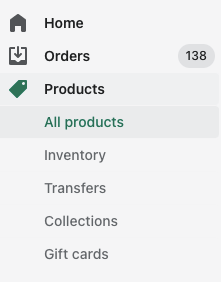
5\. Navigate the **Products** page on your Shopify admin panel. From here, either select the **All products** or **Collections** sub-menu.
6\. Select the product or collection you'd like to make the pop-up display on.
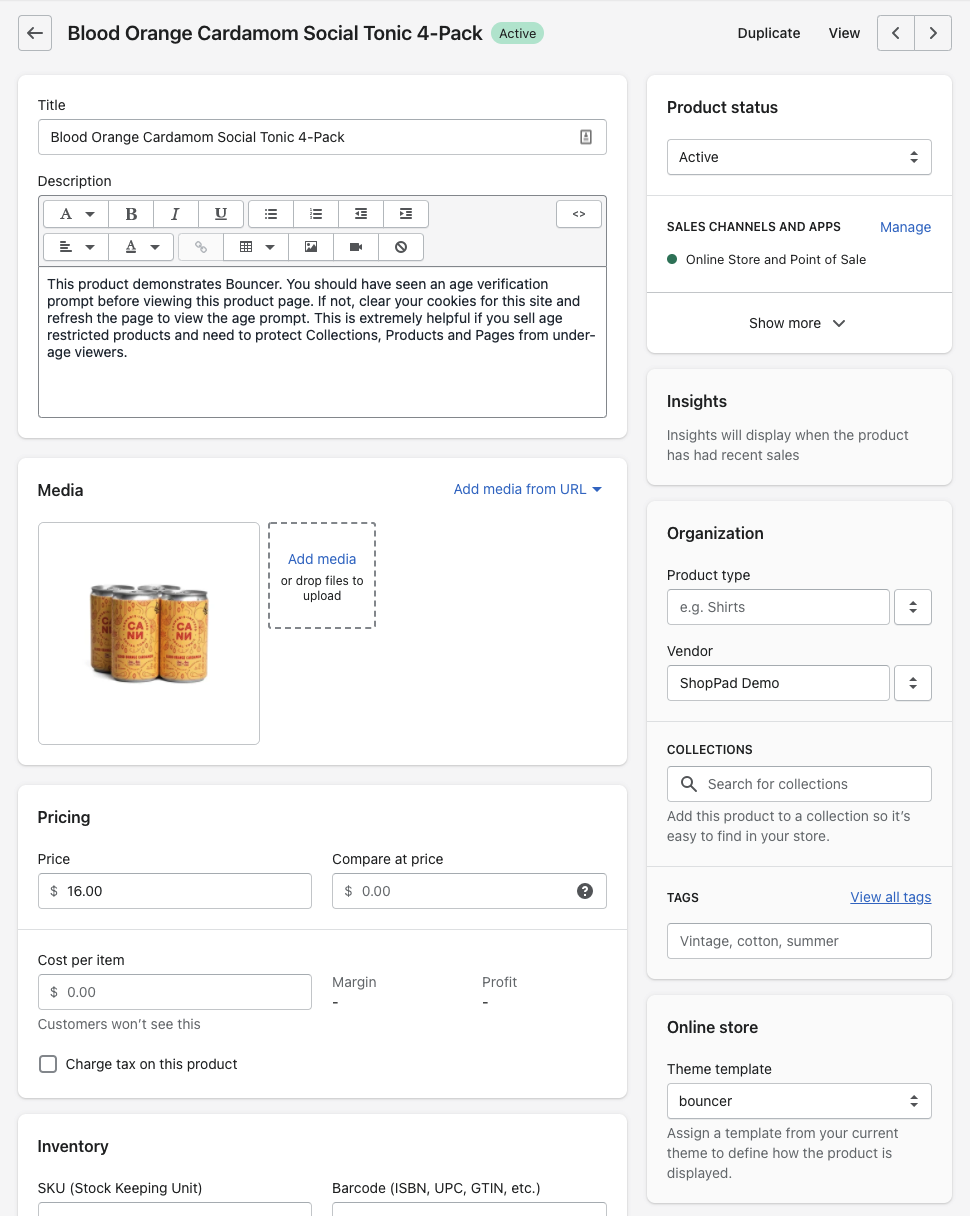
7\. Locate the **Theme Template** section on the page, and select **bouncer**.
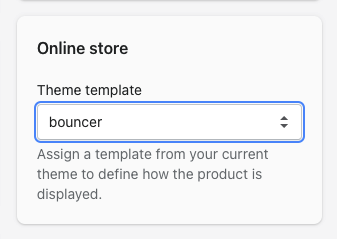
Once you have saved changes made on the page, the Bouncer pop-up will then only show up on that page. Nice work 🎉