> For the complete documentation index, see [llms.txt](https://docs.theshoppad.com/infinite-options/llms.txt). Markdown versions of documentation pages are available by appending `.md` to page URLs; this page is available as [Markdown](https://docs.theshoppad.com/infinite-options/display-options-on-shopify-notifications/legacy-display-options-on-shopify-notifications/abandoned-checkout.md).
# Abandoned Checkout
Legacy steps to show Infinite Options selections in the Shopify Abandoned Checkout email, including the manual process and the support option.
Want your customers' option selections to show up in the Abandoned Checkout template? This requires ensuring line item properties are compatible with your template. Contact support and we'll set it up for you.
### Manual Process (not recommended)
:::note
We do not recommend trying to add the code for line item properties to your email templates on your own, as each template varies and the steps below may not apply to your templates. Please contact support and we'd be glad to take care of it for you.
:::
Follow the steps below to display option selections in the abandoned checkout emails.
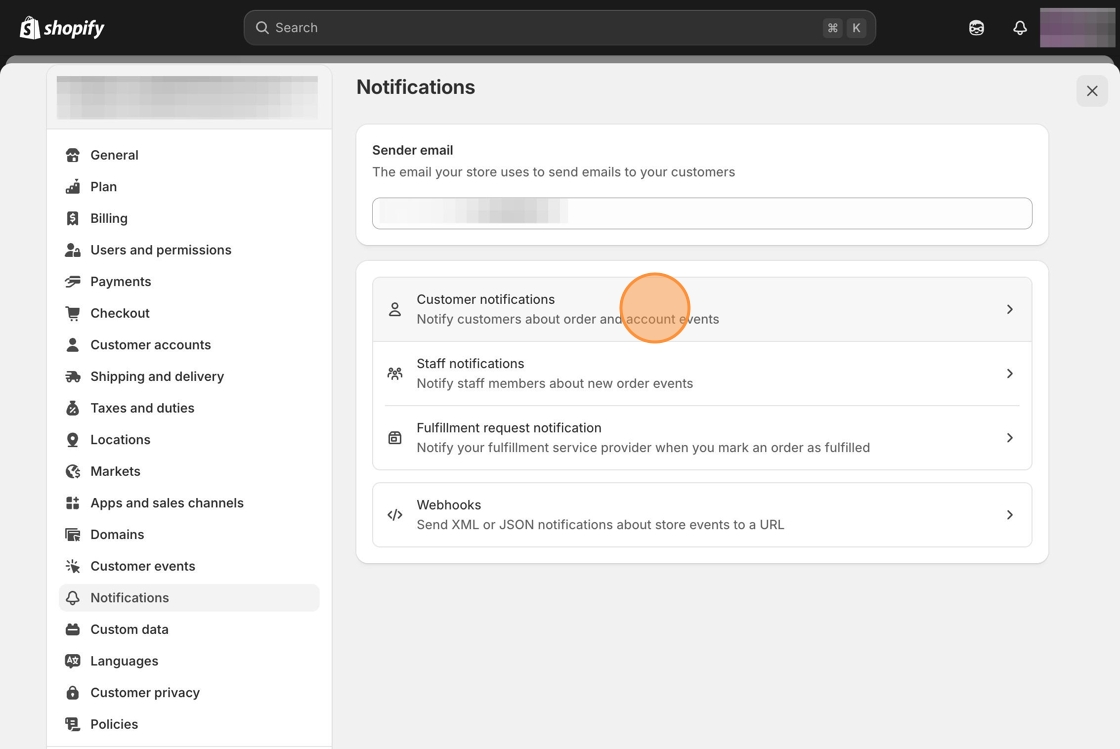
1\. Starting from your Shopify admin dashboard, navigate to the **Settings** tab, click on **Notifications**, then **Customer notifications.**
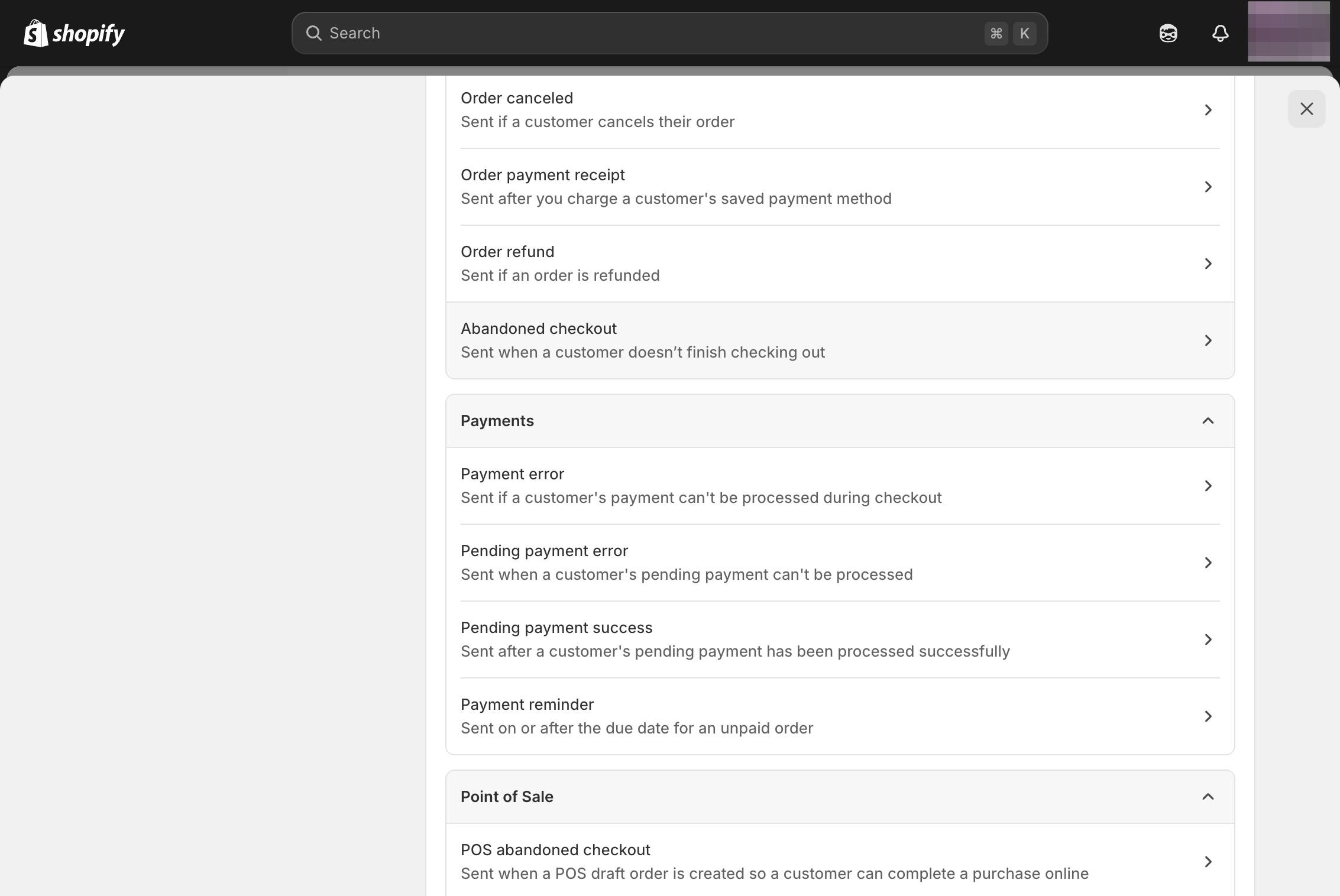
2\. Search for the Order exceptions section and select the Abandoned checkout template.
3\. Select the **Edit code** button at the top right.
\
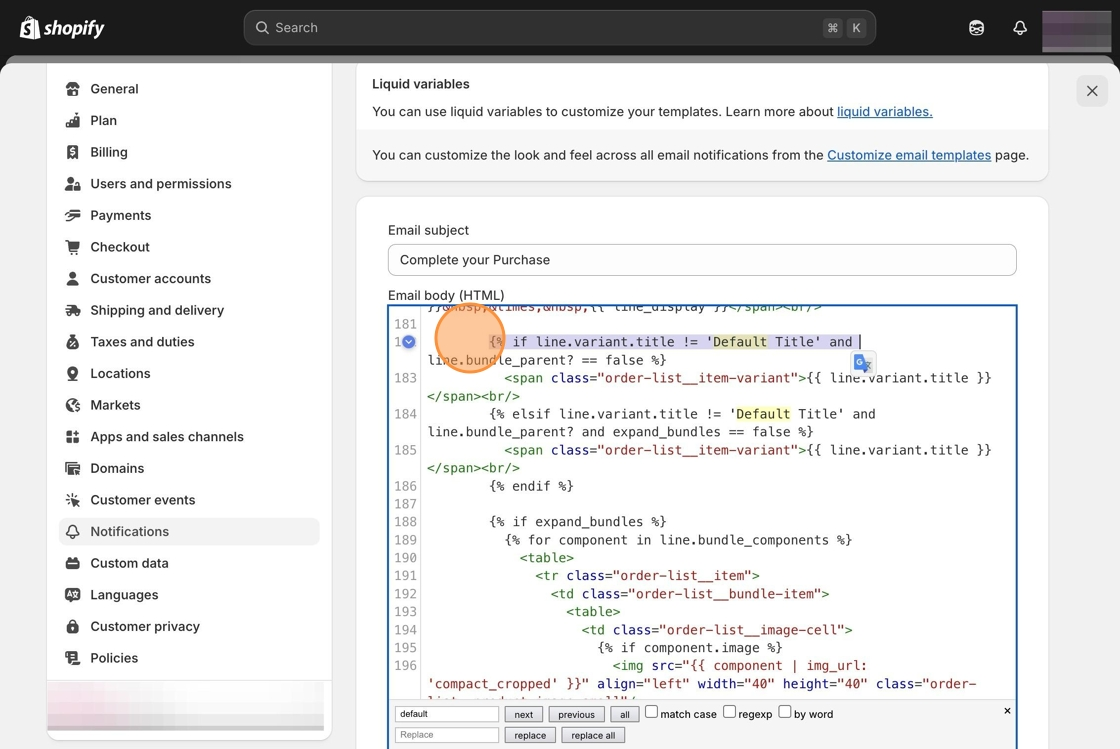
4\. Locate the following line of code.
```html
{% if line.variant.title != 'Default Title' %}
```
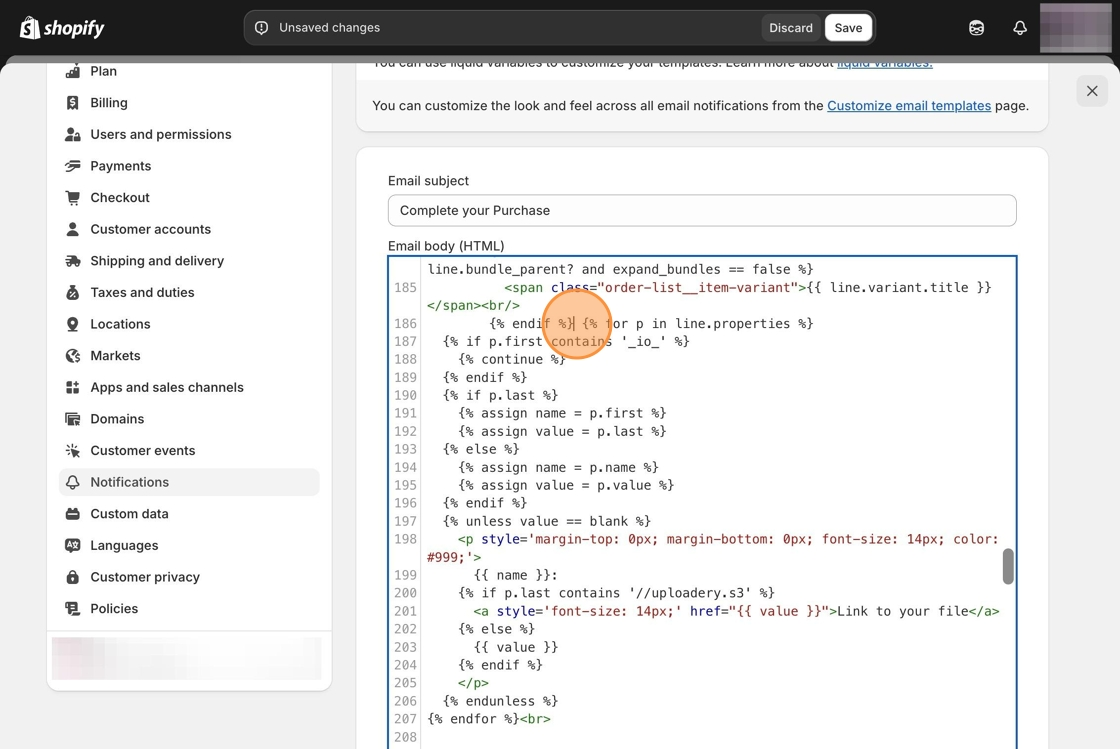
5\. Copy and paste the following snippet after the section of code.
```html
{% for p in line.properties %}
{% if p.first contains '_io_' %}
{% continue %}
{% endif %}
{% if p.last %}
{% assign name = p.first %}
{% assign value = p.last %}
{% else %}
{% assign name = p.name %}
{% assign value = p.value %}
{% endif %}
{% unless value == blank %}
{{ name }}:
{% if p.last contains '//uploadery.s3' %}
Link to your file
{% else %}
{{ value }}
{% endif %}
{% endunless %}
{% endfor %}
```
6\. Click the **Save** button at the top of the page.