
Add Bouncer to your Fablet store
Install the Bouncer age verification popup on a Fablet store by adding a custom script in the Integrations tab of your Fablet dashboard.
Follow the steps below on how to add Bouncer to your Fablet store.
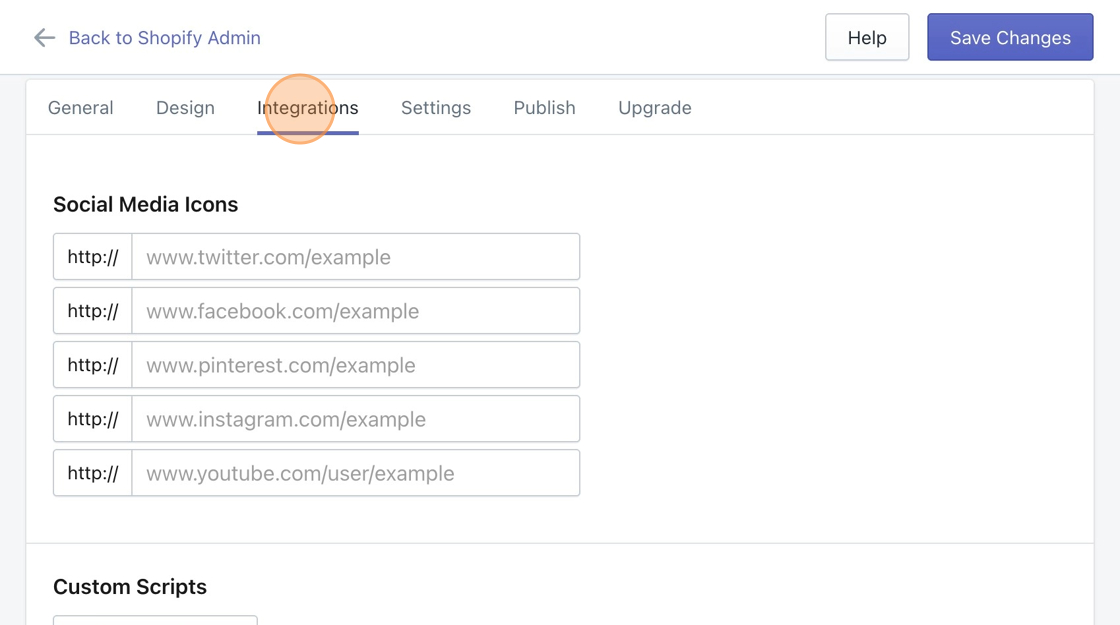
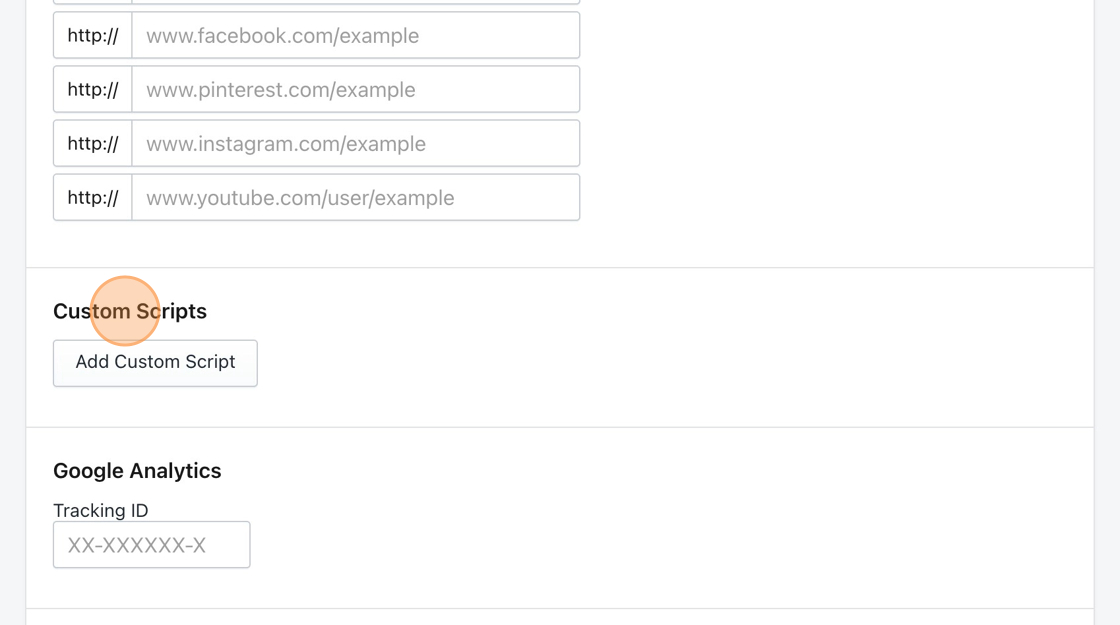
- Starting from your Fablet dashboard, navigate to the Integrations tab, then scroll down to the section titled Custom Scripts.
- Click the Add Custom Script button.
- Paste the following snippet in the text field provided.
d1liekpayvooaz.cloudfront.net/apps/bouncer/bouncer.js?shop=STORENAME.myshopify.com- Replace the STORENAME text in the pasted snippet with your store’s UUID.
- For example, the site http://shoeworld-4.myshopify.com would replace STORENAME with shoeworld-4.
- Save your changes.