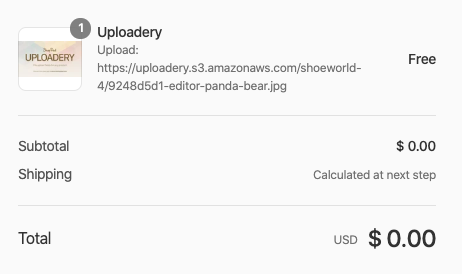
Hide file upload details on the checkout page
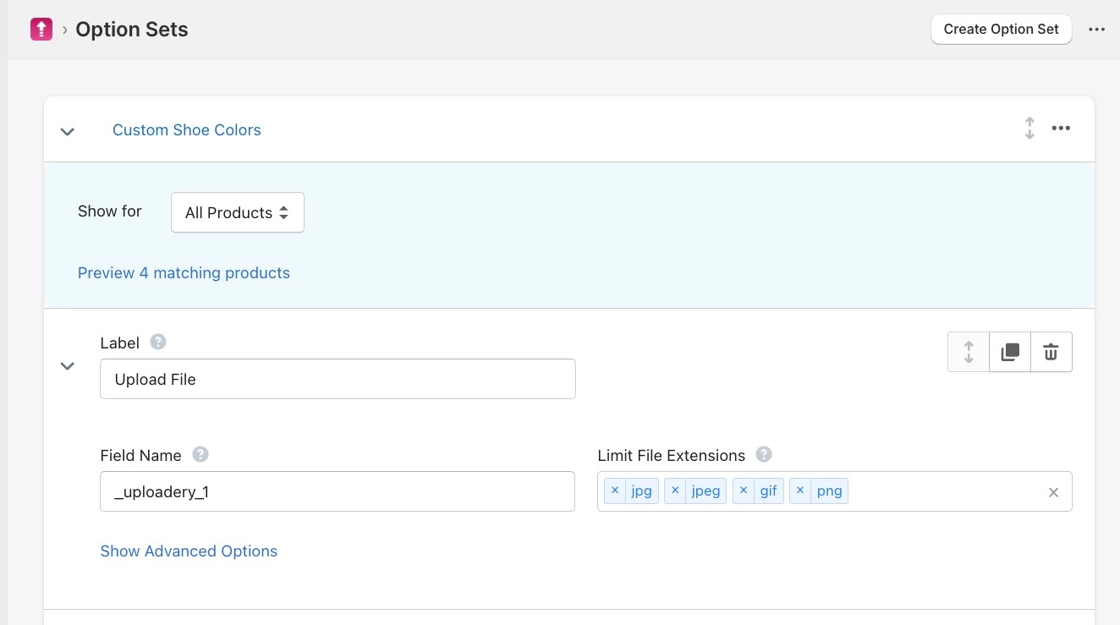
Hide Uploadery file details on the checkout page by starting the upload field Field Name with an underscore, found in your existing Upload Set.
You can hide the file upload details on the checkout page by prepending the Field Name value with an underscore. You will be able to find the Field Name from the existing Upload Set that you have created on the Uploadery dashboard.
For example, changing “uploadery_1” to “_uploadery_1” will hide the file upload details.
Below is an example of how they display at checkout by default.