
Make Upload Field Required
Make an Uploadery upload field required from the Advanced Options of an option set, so shoppers must attach a file before adding to cart.
Follow the steps below to set an Upload field as required.
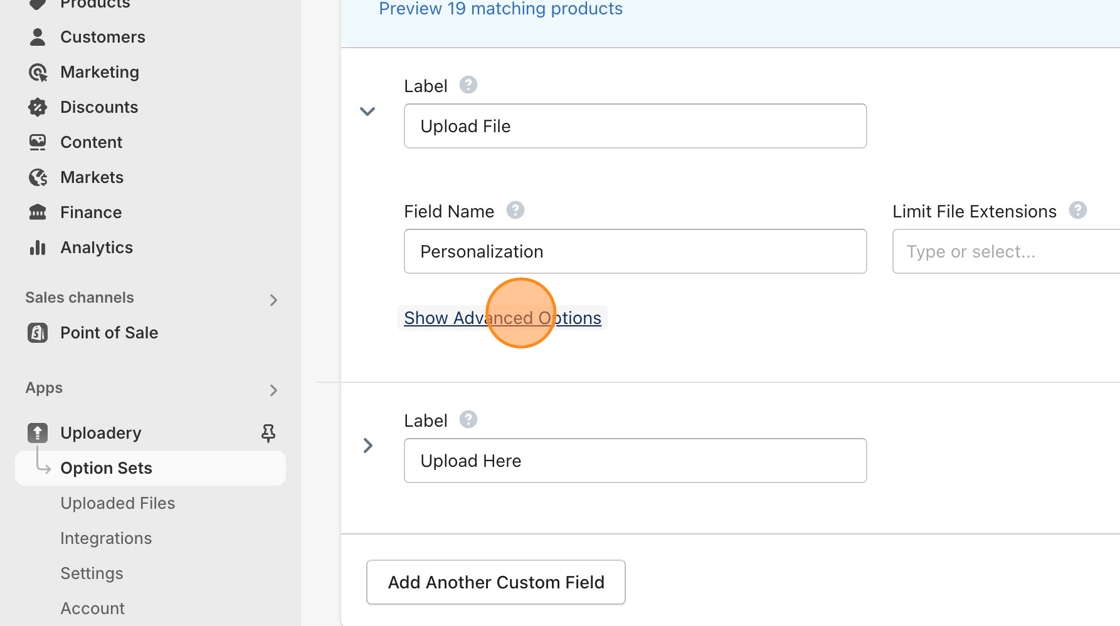
1. Navigate to the Option Sets section of the Uploadery app in the left sidebar or create a new Option Set if you have not done so already.
2. Click on Advanced Options to reveal the additional controls.
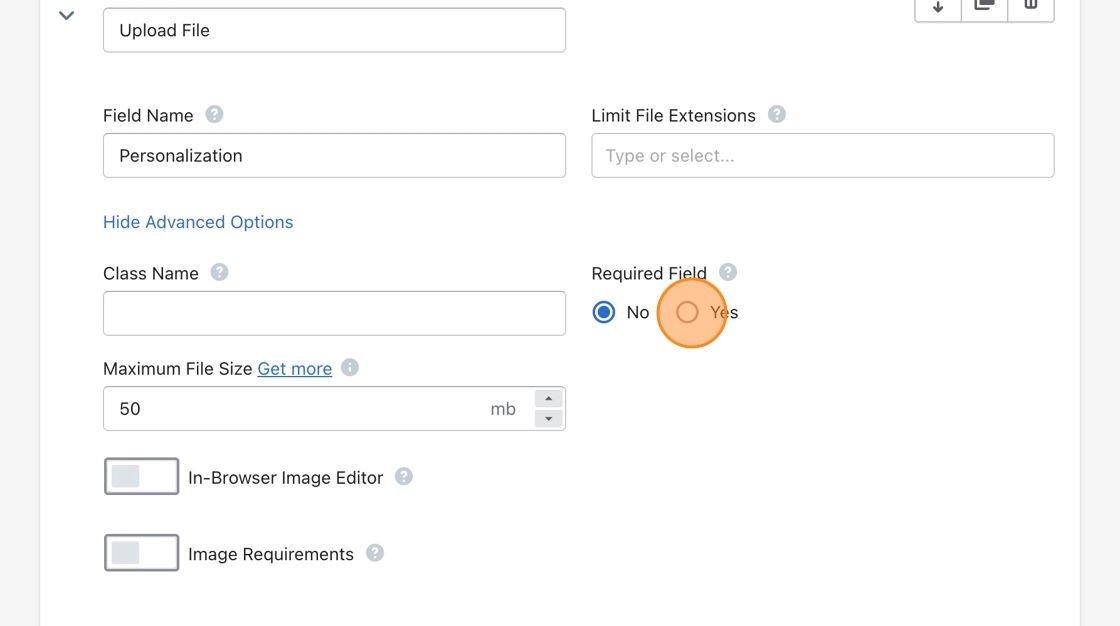
3. Select the Yes under the Required Field label.
4. Don’t forget to Save your changes!