Editor Tips and Tricks
Tips for building pages faster in the Page Studio editor, starting with sections and content blocks.
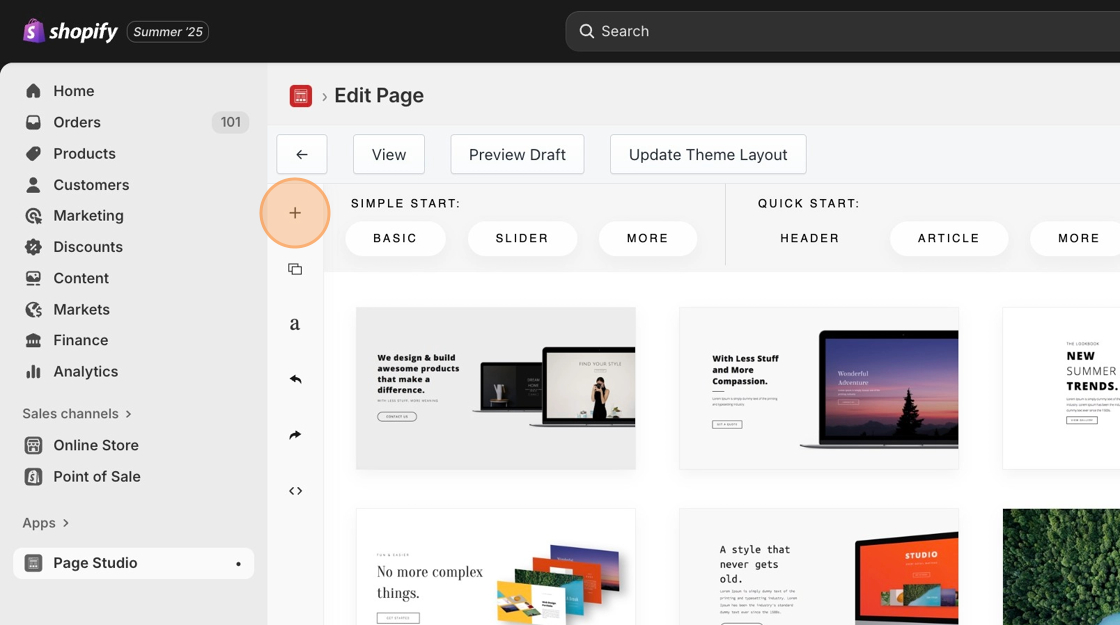
Start with a section. Create one by creating a new page and selecting a section like this:
Drag content blocks into a section for further customization
Section titled “Drag content blocks into a section for further customization”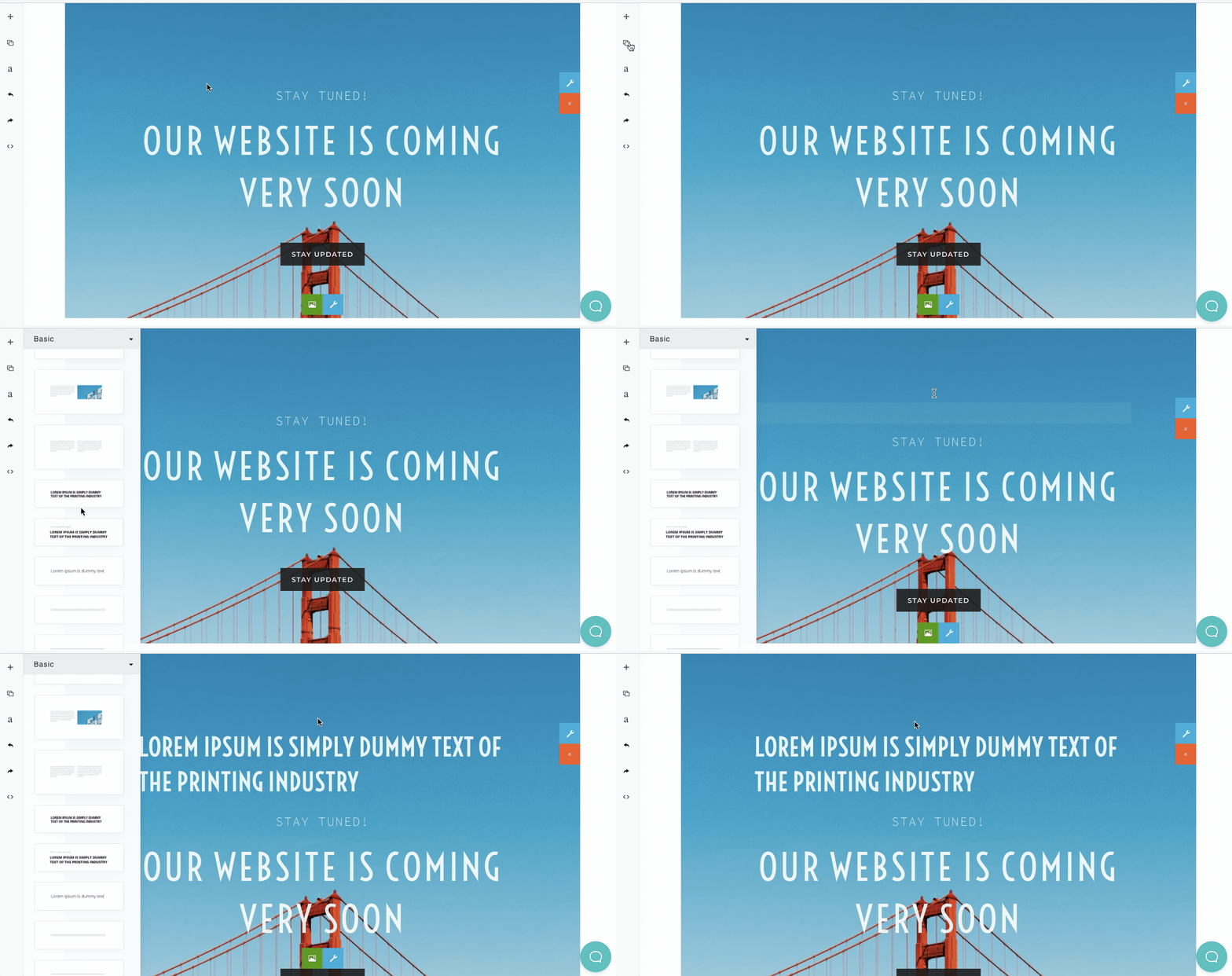
Change the image in your content blocks
Section titled “Change the image in your content blocks”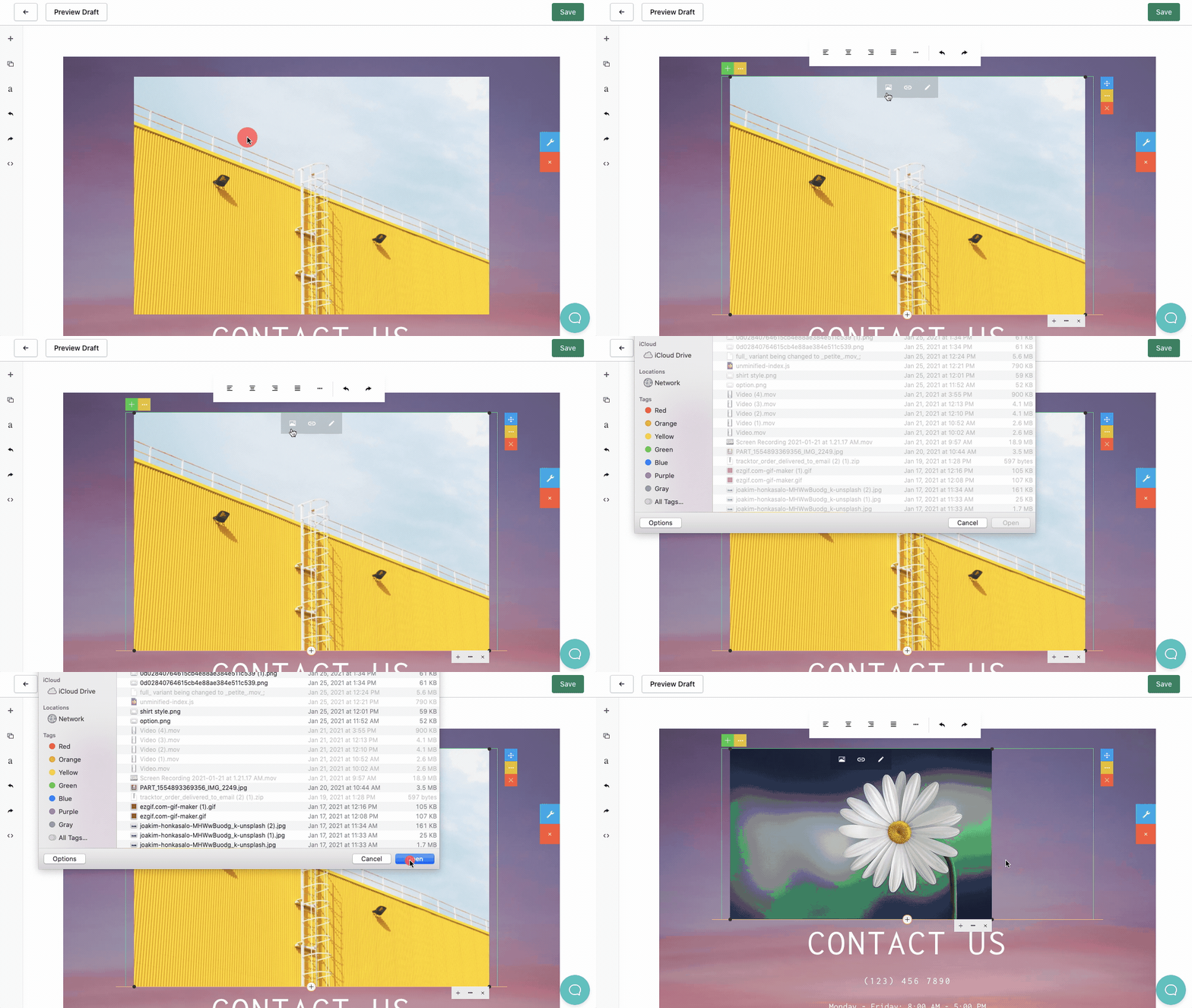
Adjust the spacing around your content blocks
Section titled “Adjust the spacing around your content blocks”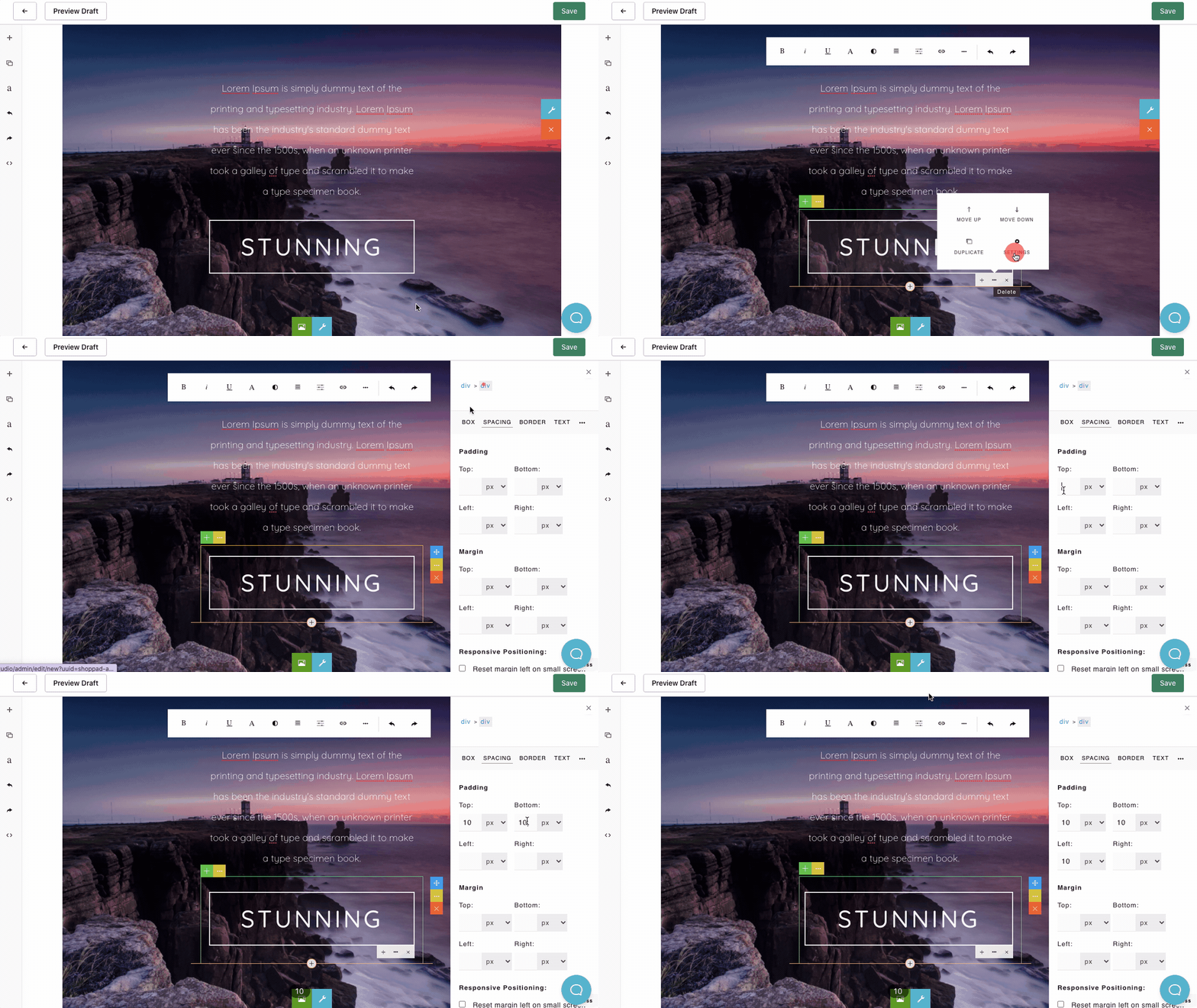
Adjust the order of your content blocks in a section
Section titled “Adjust the order of your content blocks in a section”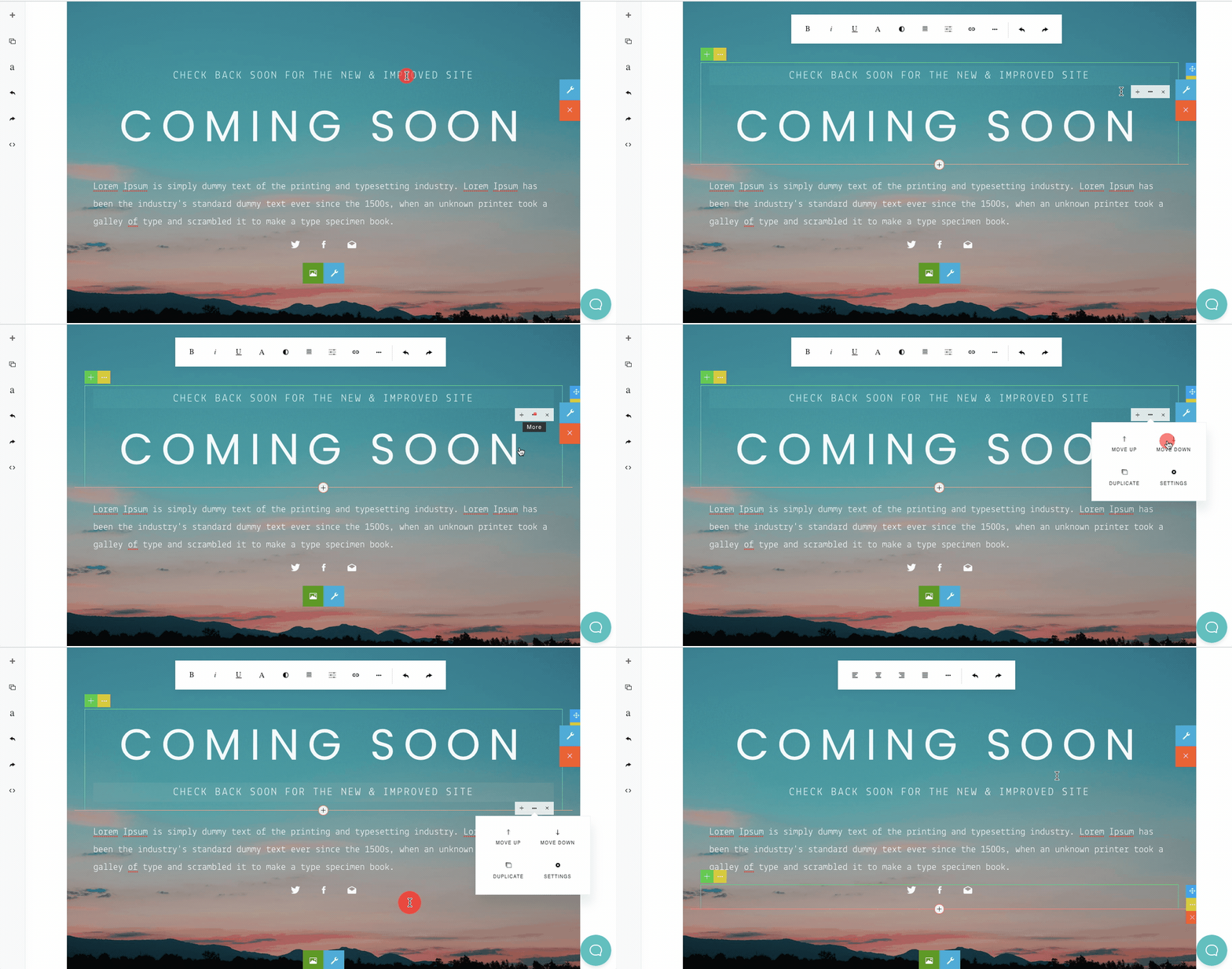
Adjust button links
Section titled “Adjust button links”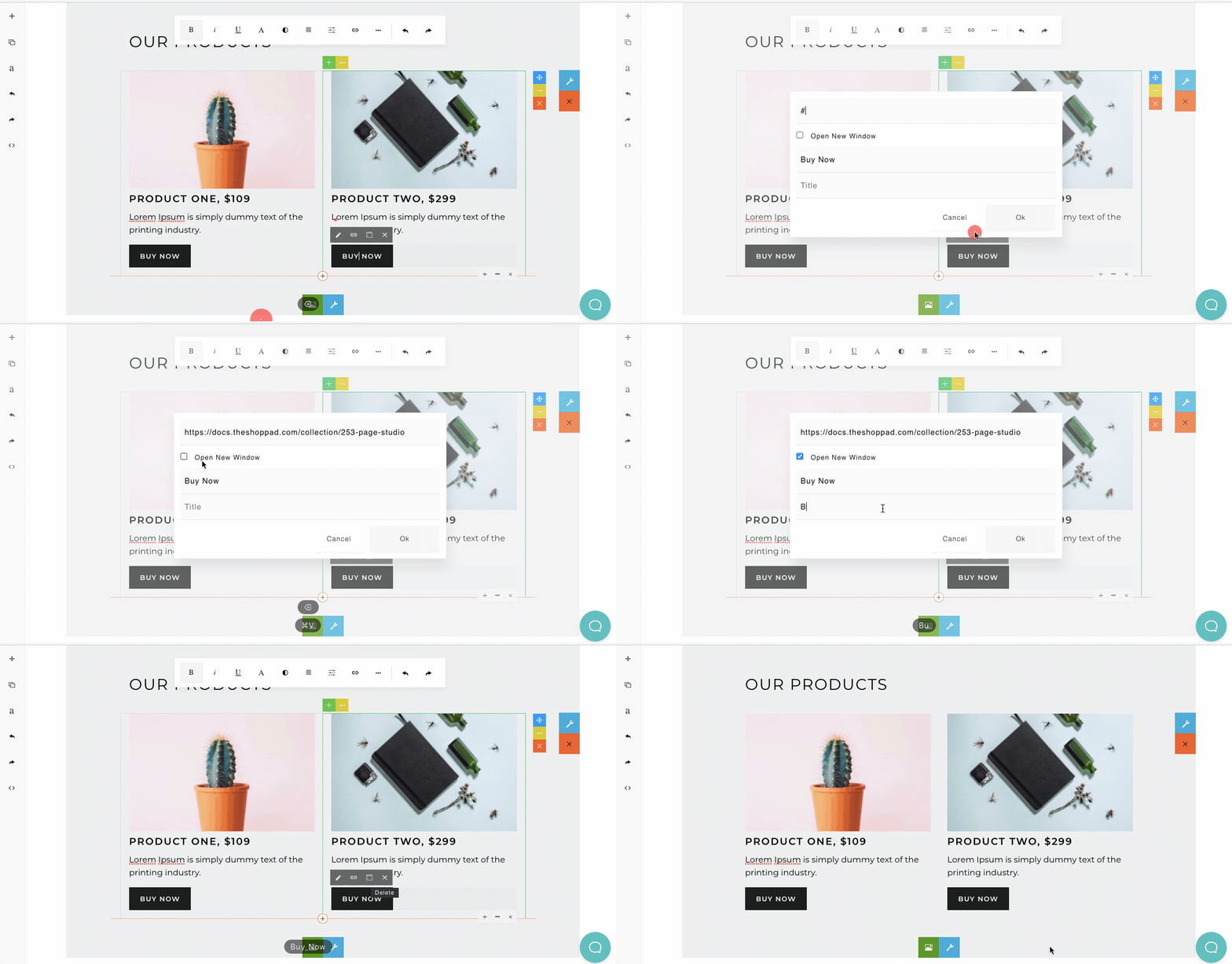
Preview the page on different sized screens
Section titled “Preview the page on different sized screens”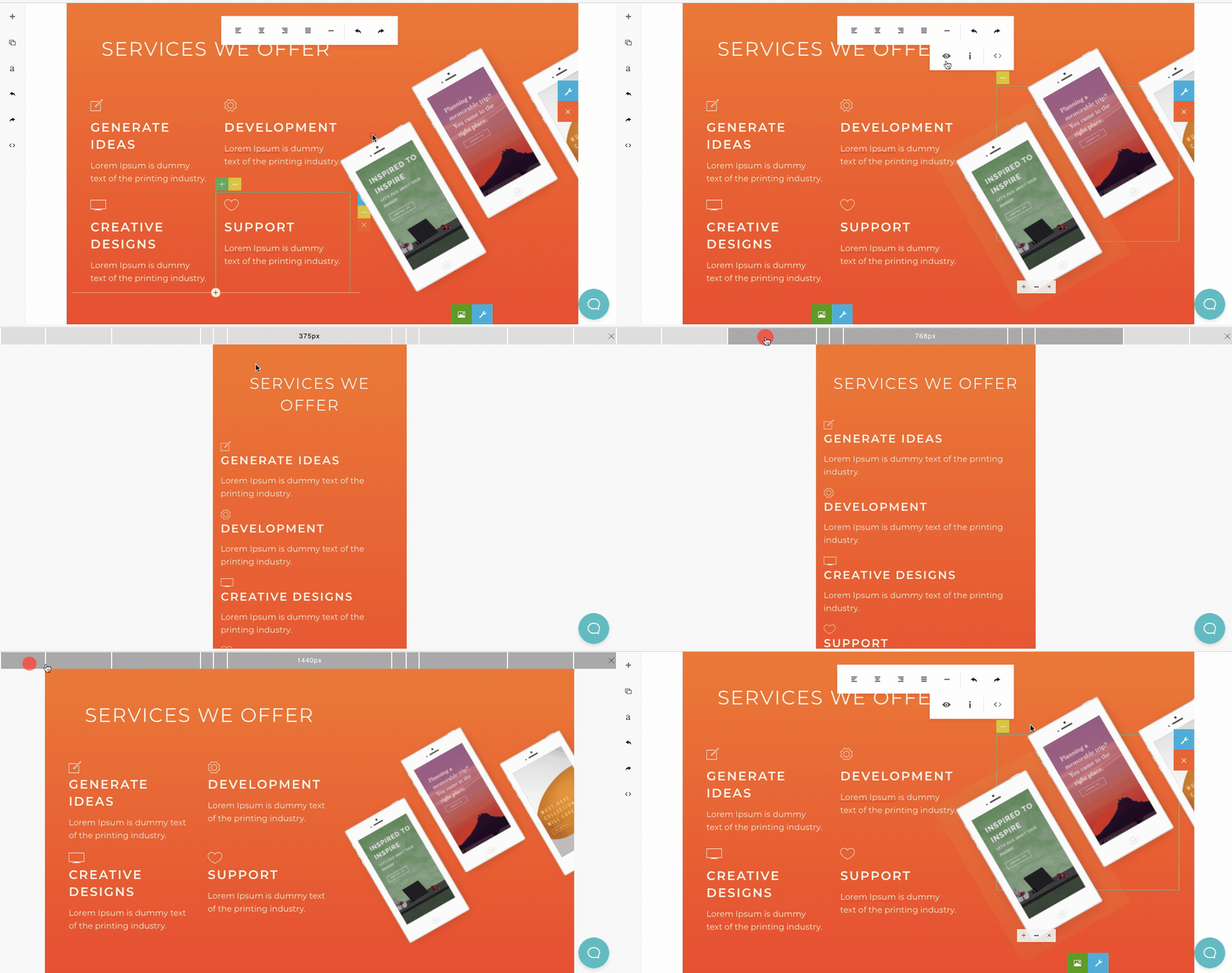
Adjust the background image of your sections
Section titled “Adjust the background image of your sections”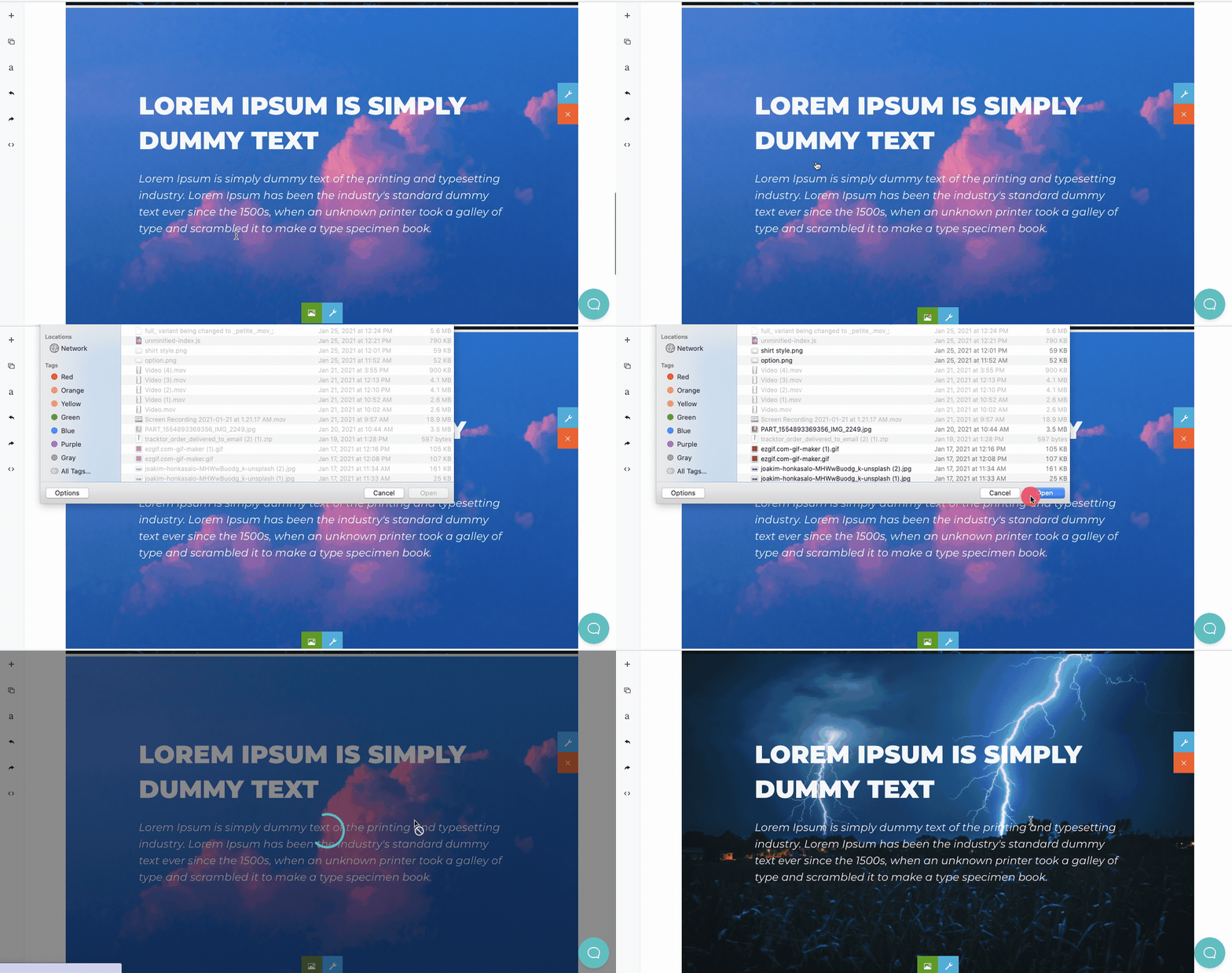
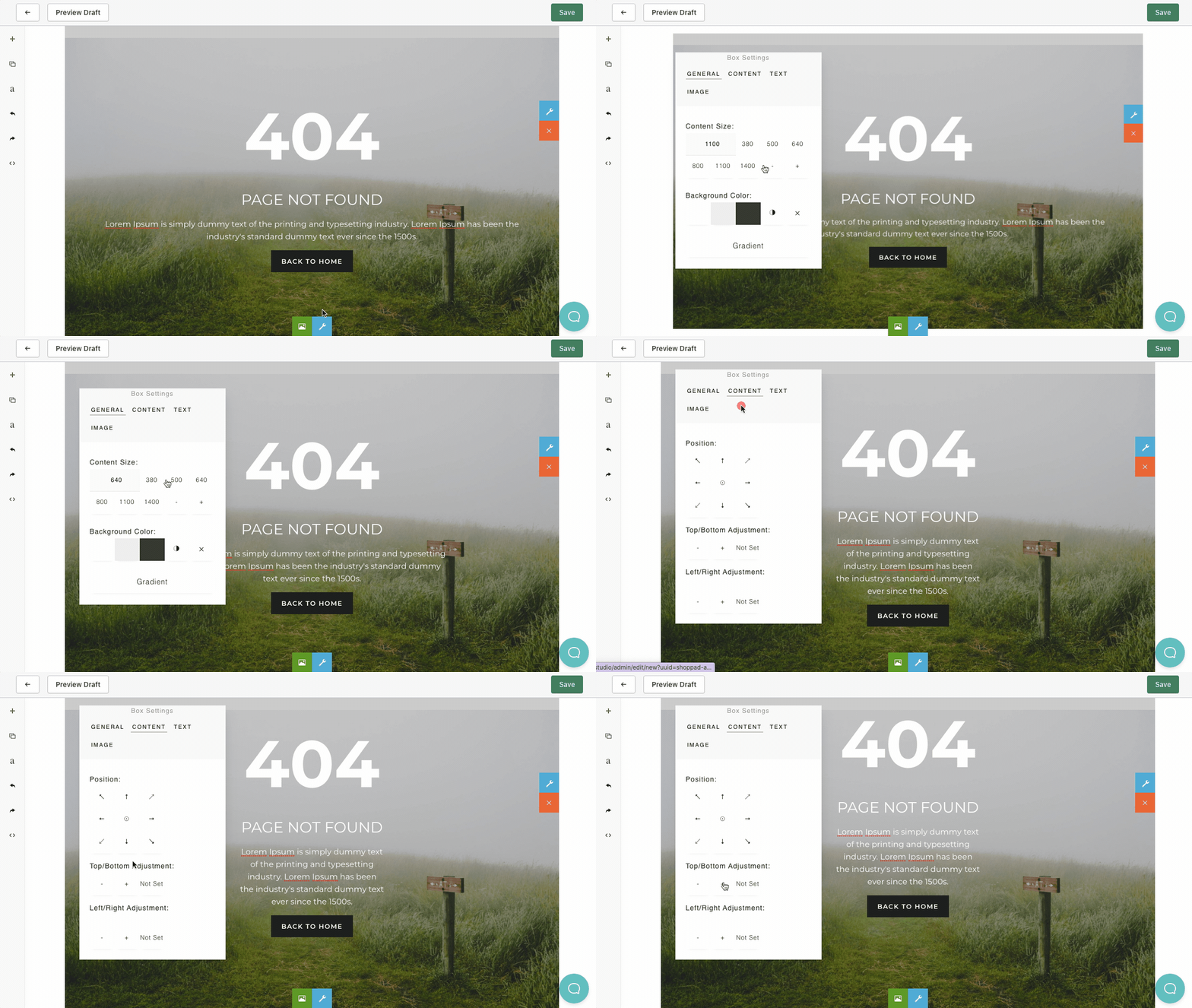
Adjust the position of your content block inside of a section
Section titled “Adjust the position of your content block inside of a section”