Preview your page on different sized screens
Check how a Page Studio page looks on mobile, tablet and desktop screens before you publish it.
Follow the steps below on how to preview your page on different-sized screens (like mobile).
- Starting from the Page Studio editor, click on a content block on your page to reveal the top text toolbar.
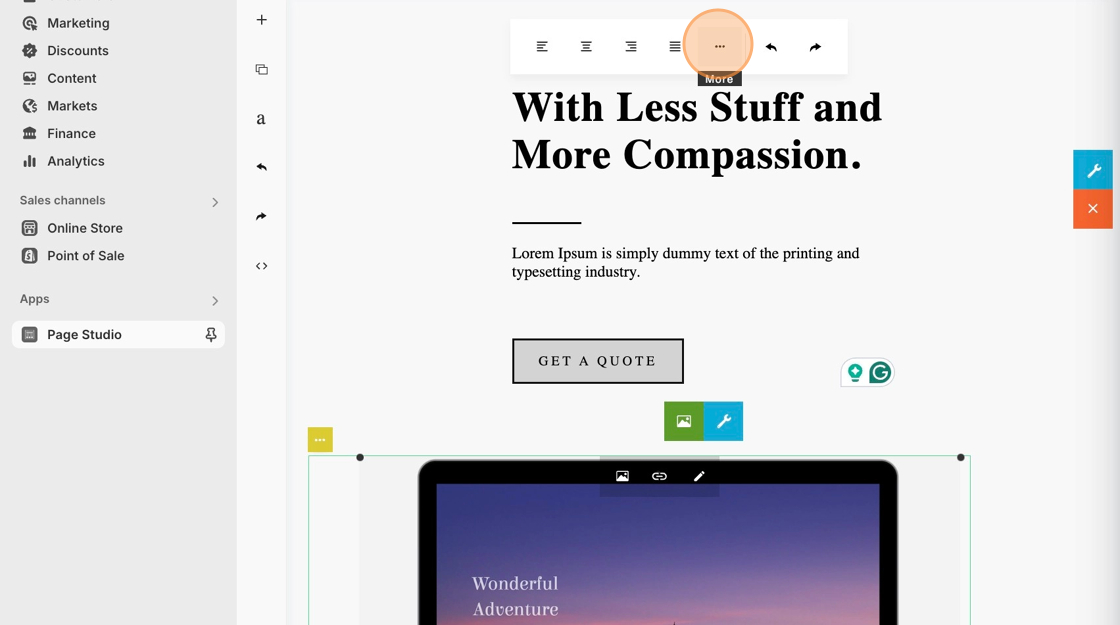
- Click on the three-dot icon within the white menu bar at the top to reveal more advanced settings.
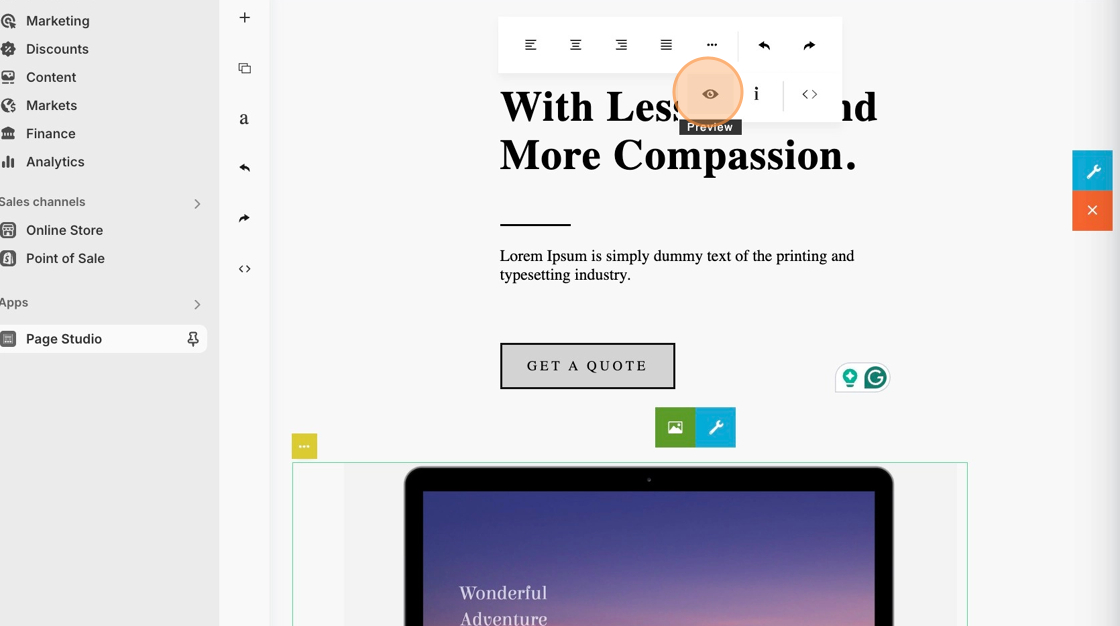
- Then, click on the preview eye icon.
4. Use the gray top bar to freely adjust the view from mobile view to desktop view.