Why is my swatch pre-selected?
Learn why the first Infinite Options swatch is pre-selected on page load, since swatches act like radio buttons, and what your alternatives are.
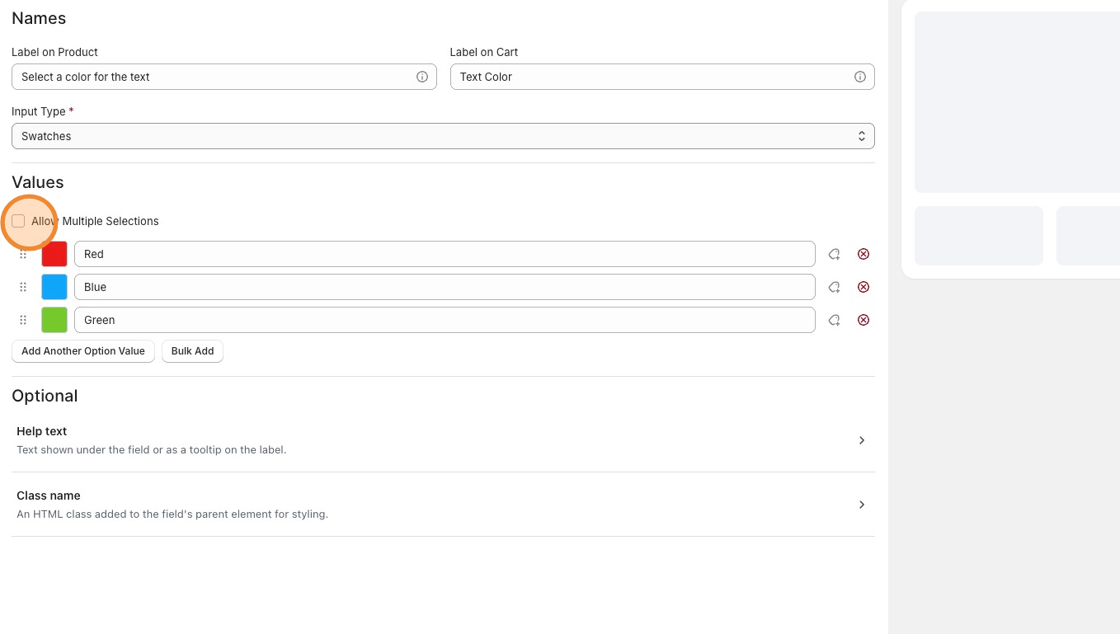
Swatches in Infinite Options behave like radio buttons. By design, radio buttons always have one value selected, so the first swatch is automatically selected when the product page loads.
This is expected behavior and can’t be changed for the Swatches input type.
Can a swatch start with nothing selected?
Section titled “Can a swatch start with nothing selected?”Not when using the Swatches input type.
If you need customers to start with no option selected or be able to clear their selection, the available workaround is to use the Multiple input type instead.
How does the Multiple input type work?
Section titled “How does the Multiple input type work?”Unlike Swatches, the Multiple input type allows customers to:
- Start with no value selected.
- Select a value by clicking it.
- Deselect the value by clicking it again.
The tradeoff is that it behaves differently from a traditional swatch, so the interaction may feel less familiar depending on your storefront.
How to change the input type
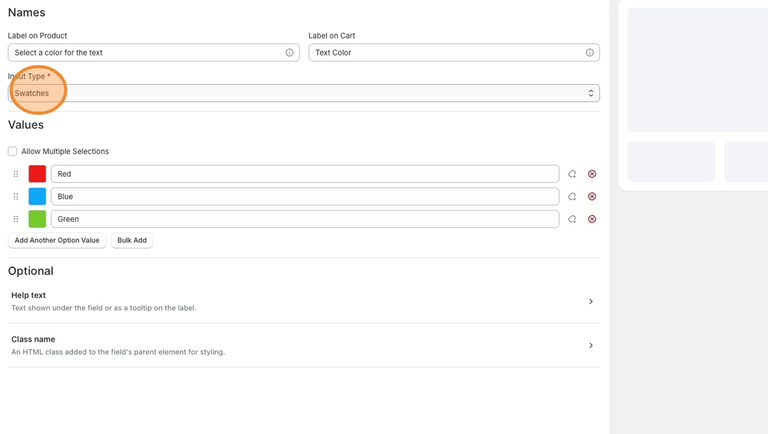
Section titled “How to change the input type”- Open the option field in the Infinite Options dashboard.
- Locate the Input Type setting.
- Change the input type from Swatches to Multiple.
- Save your changes.
Good to know
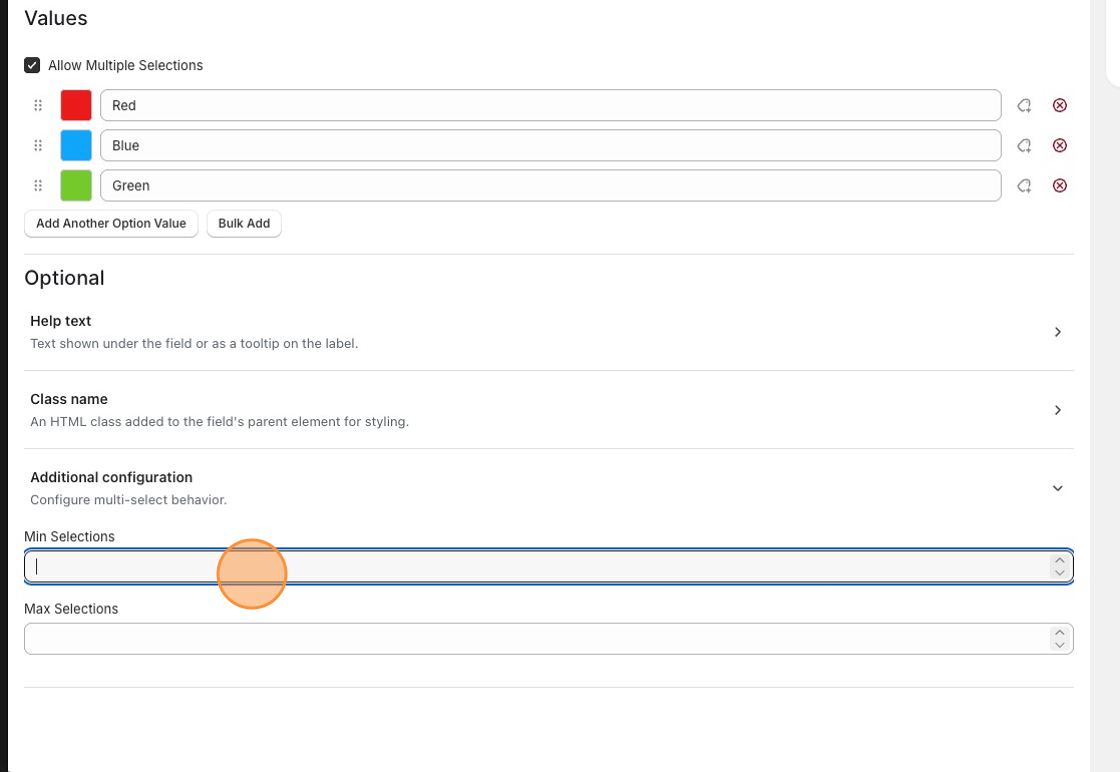
Section titled “Good to know”If you’re using the Multiple input type and want customers to select at least one value before adding the product to their cart, you can enforce this by configuring minimum and maximum selections for the option.