
GemPages
Add Infinite Options to a GemPages product page by copying the install snippet into the GemPages editor so your option fields display.
If you wish to integrate Infinite Options with GemPages, refer to the following instructions:
1. Navigate to Apps. Click on the GemPages Drag & Drop Page Builder app.
2. Navigate into Product Pages to reveal all product pages.
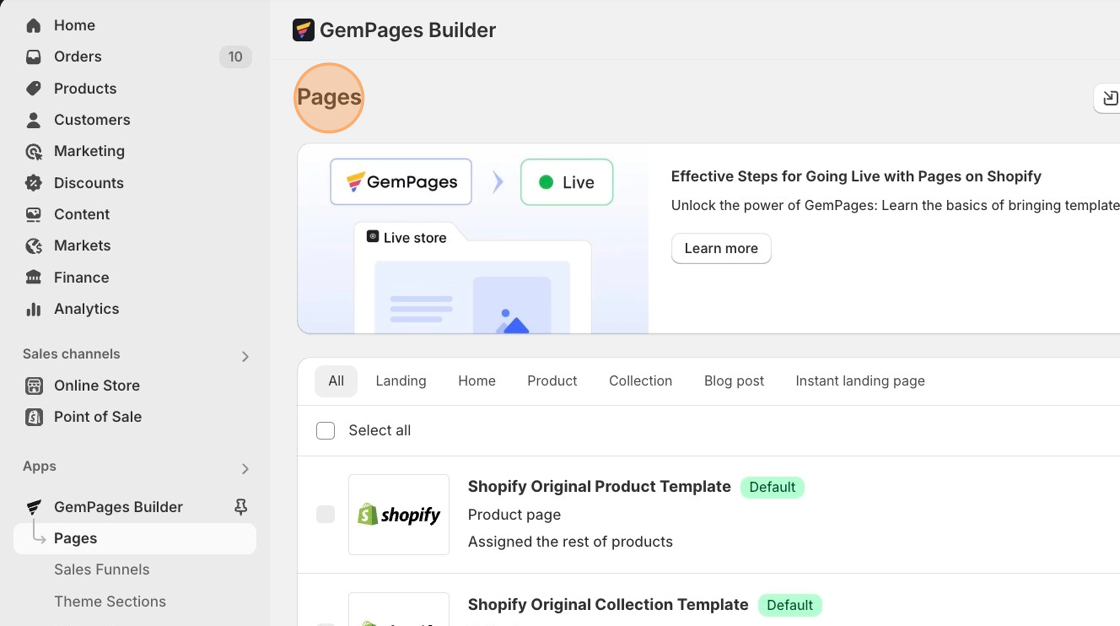
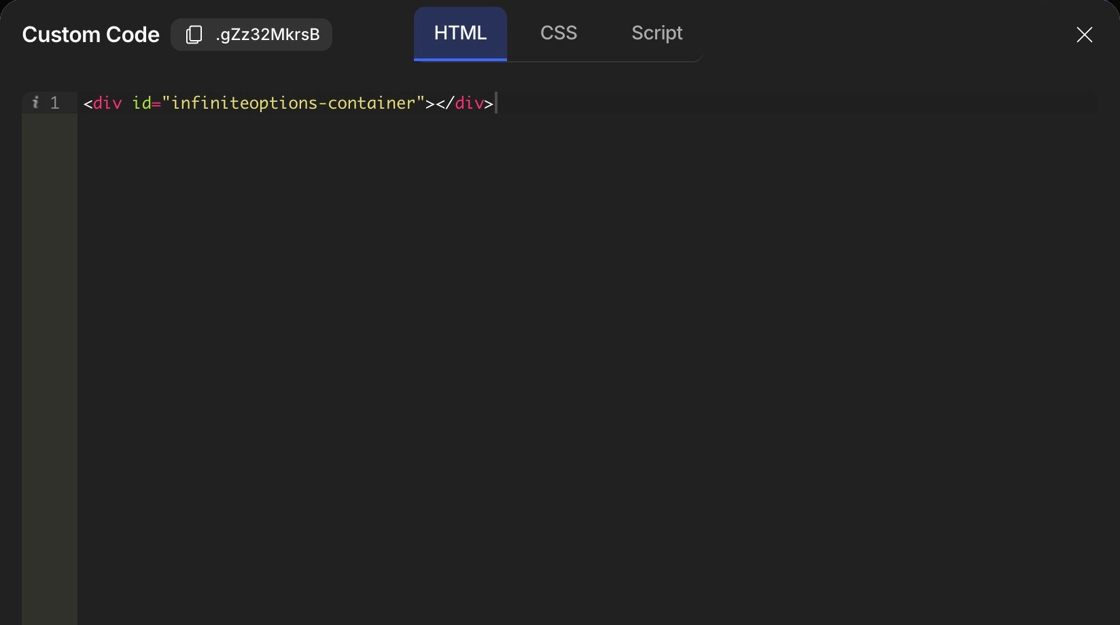
3. Copy the Infinite Options install snippet below.
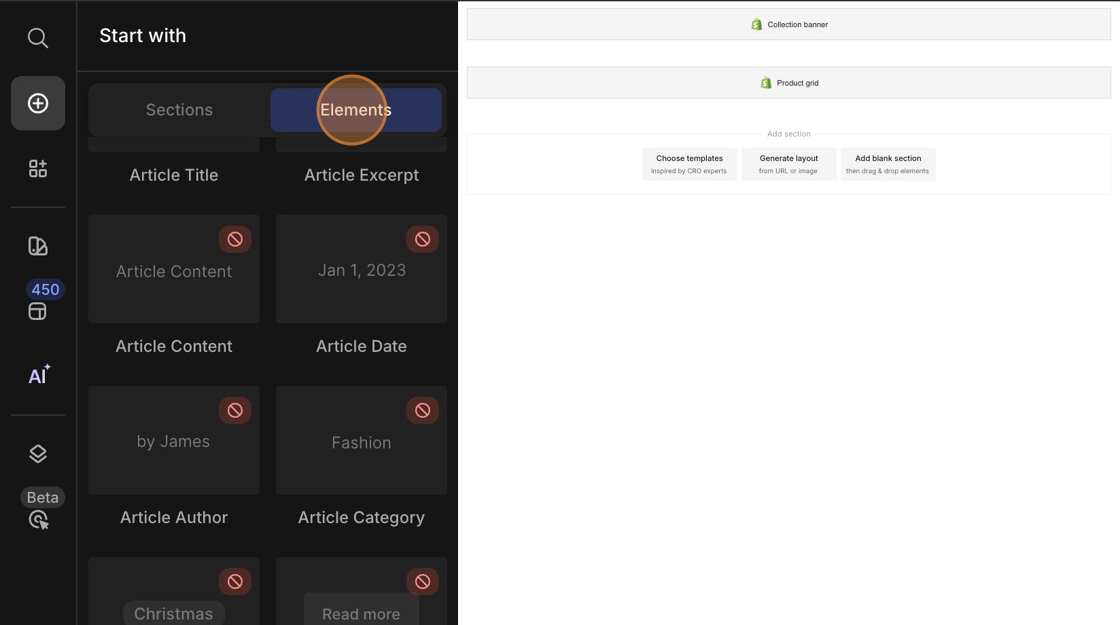
<div id="infiniteoptions-container"></div>- From the Elements tab, drag the Liquid element from the left sidebar into the product page and place it above either the quantity selector or the add to cart button.

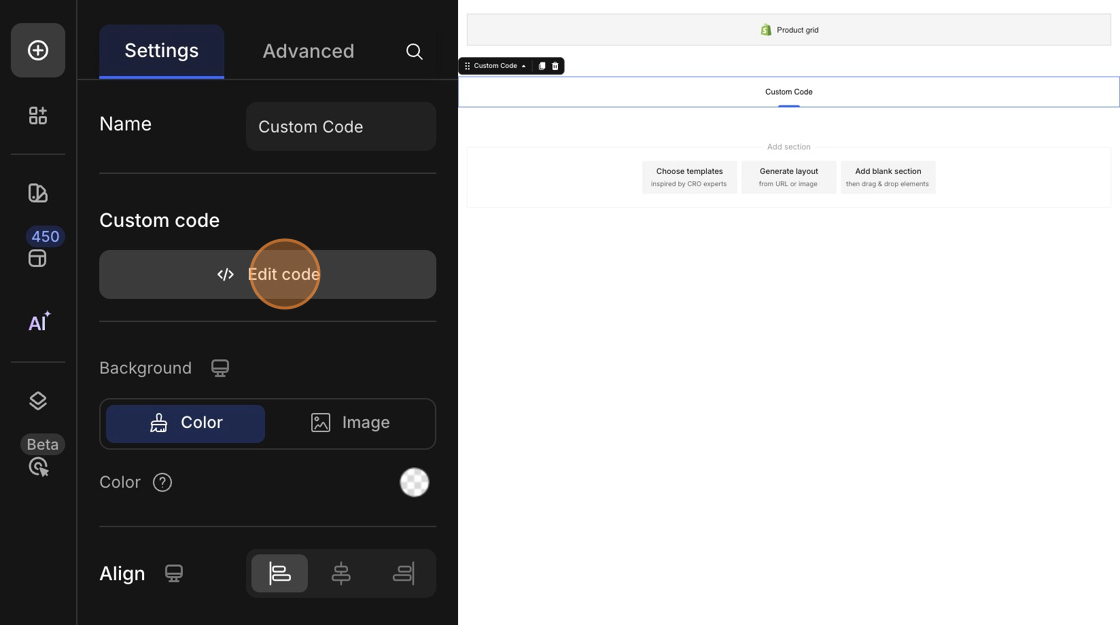
5. Paste the install code snippet you copied in step #3 into the code editor and hit Save.
6. Publish your changes.