
Choose Which Products Display Your Options
Assign options to products
The Overview
Section titled “The Overview”Before your options can appear on your storefront, you’ll need to assign your Option Set to the products that should display it.
Think of an assignment as answering one simple question:
Which products should display these options?
Infinite Options offers several assignment methods to help you choose the one that best fits your store.
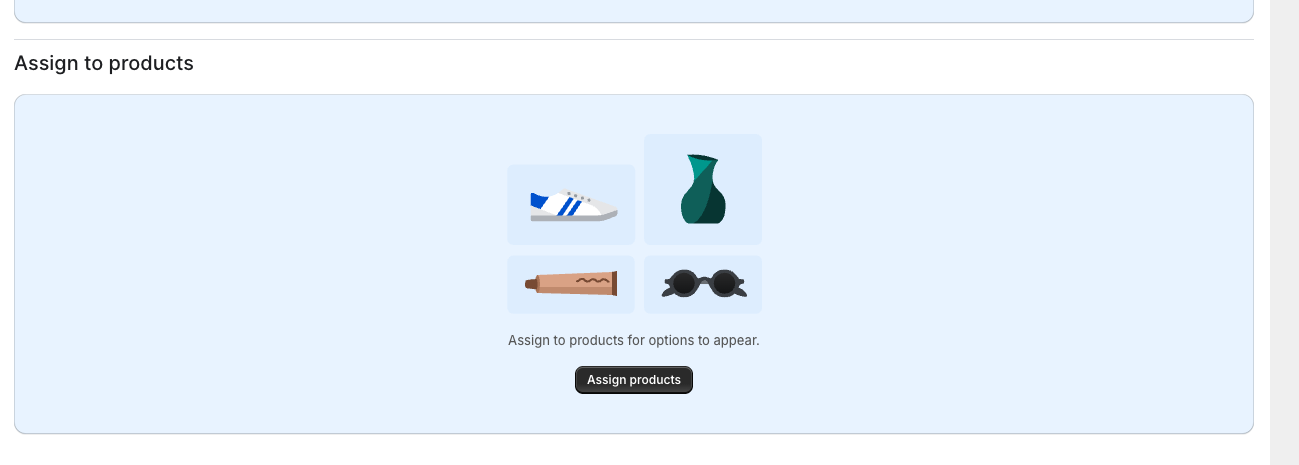
Choose an Assignment Method
Section titled “Choose an Assignment Method”| If you want to… | Use this assignment |
|---|---|
| Show options on every product | All Products |
| Show options on a few specific products | Selected Products |
| Group products using Shopify tags | Product Tag |
| Group products by product type | Product Type |
| Group products by vendor | Vendor |
| Show options based on a Shopify variant selection | Variant |
| Target one product by its handle | Product Handle |
| Target one product by its full URL | Product URL |
Assignment Conditions
Section titled “Assignment Conditions”You can choose to assign your option set when the assigning method Is or Is not a specified value.
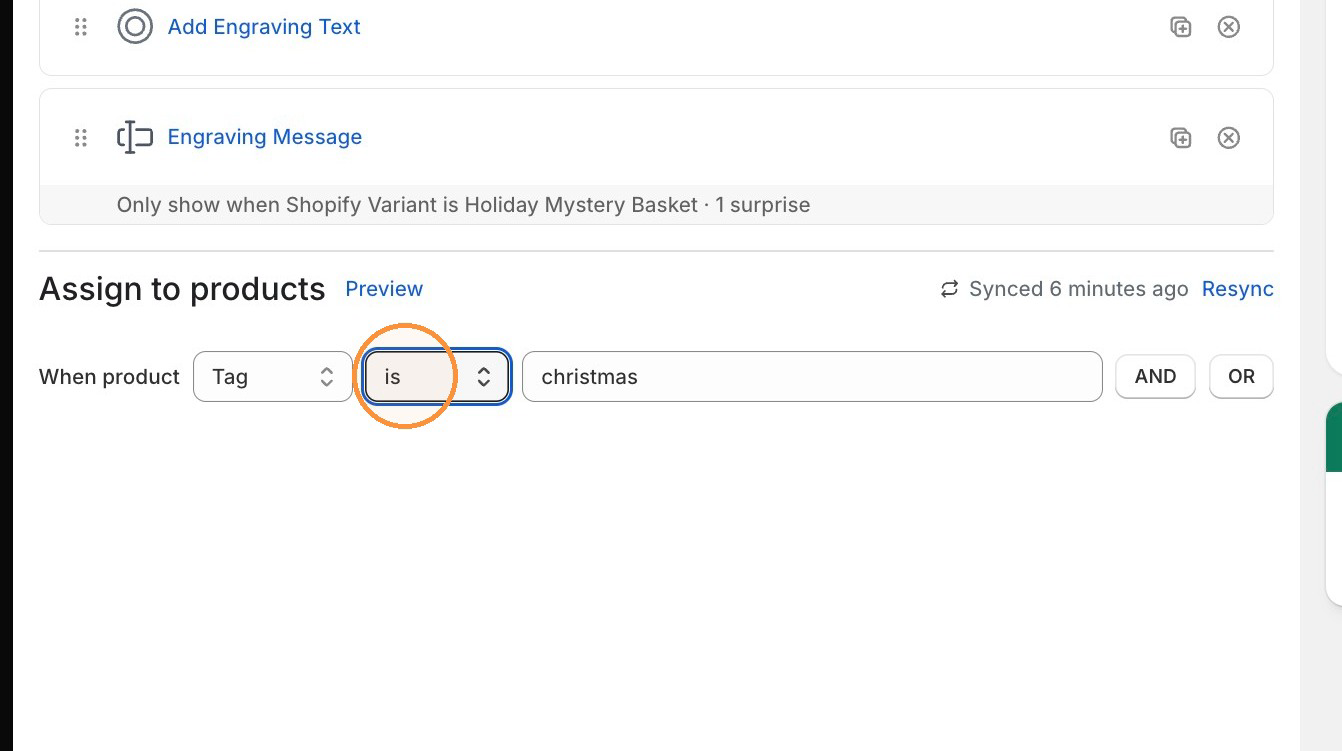
Combining Assignment Rules
Section titled “Combining Assignment Rules”You can add multiple assignment rules to control exactly which products display your Option Set.
| Use… | When… | Example |
|---|---|---|
| OR | A product only needs to match one rule. | Product A OR Product B OR Product C |
| AND | A product must match every rule. | Product Type = Shirt AND Tag = Custom |
Related Guides
Section titled “Related Guides”Looking for a specific setup?