Reorder Option Sets
Change the order of option sets on a product page, and of fields inside one set, in Infinite Options when several sets share a product.
If you have more than one Option Set assigned to the same product, you can control the order they appear on the product page.
You can reorder both your list of Option Sets and the individual fields within a single Option Set.
How to Reorder Option Sets
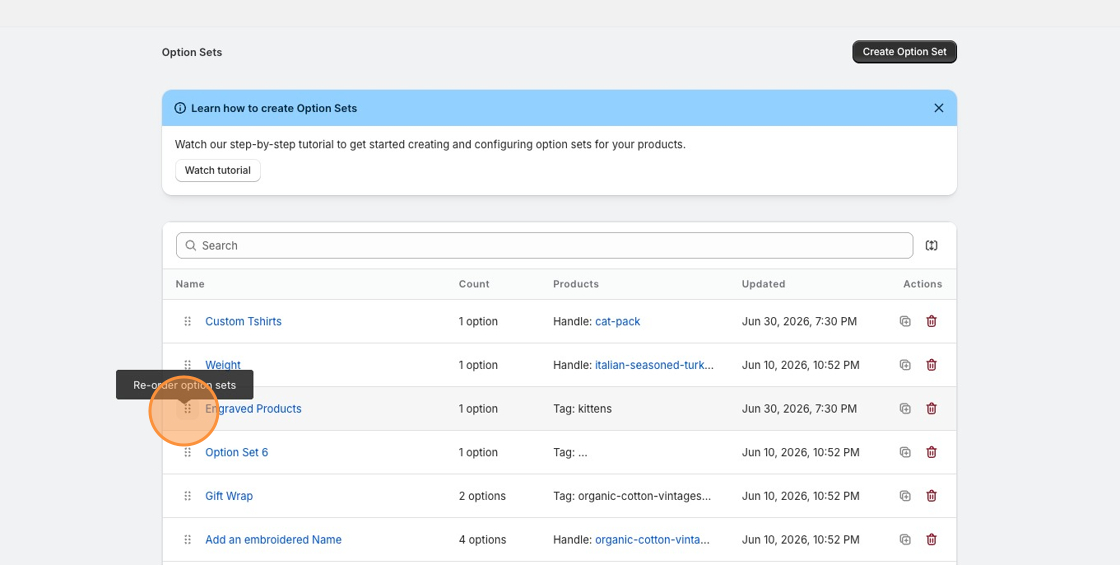
Section titled “How to Reorder Option Sets”- Open Infinite Options from your Shopify admin
- On the main dashboard, locate the Option Set you want to move
- Click and hold the drag handle (the six dots) on the left side of the row
- Drag the Option Set up or down to your preferred position
- Release to drop it into place
The new order is saved automatically and controls how Option Sets display on your product page.
How to Reorder Fields Within an Option Set
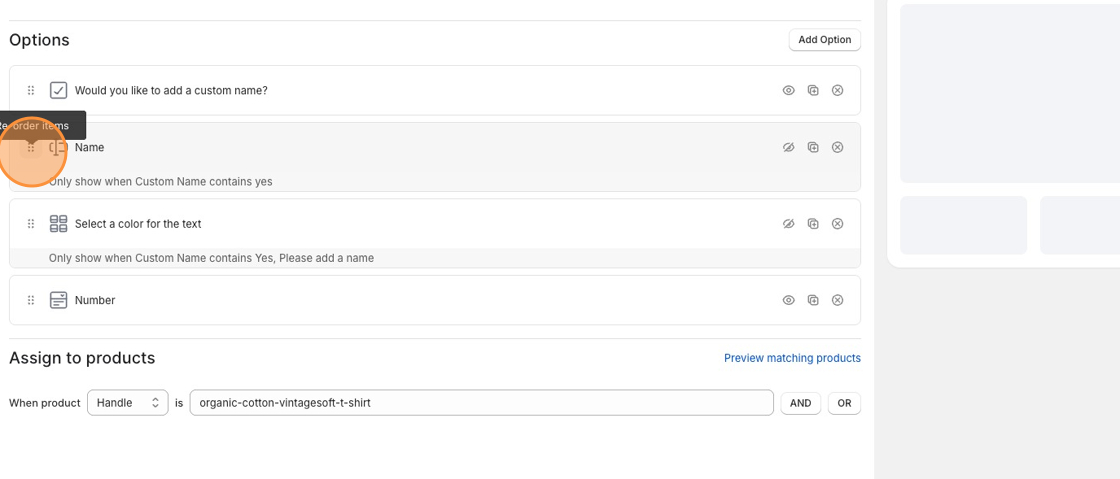
Section titled “How to Reorder Fields Within an Option Set”- Open the Option Set you want to edit
- Locate the option field you want to move
- Click and hold the drag handle on the left side of that field’s row
- Drag the field up or down to reposition it
- Release to drop it into place
The updated order applies immediately within that Option Set.